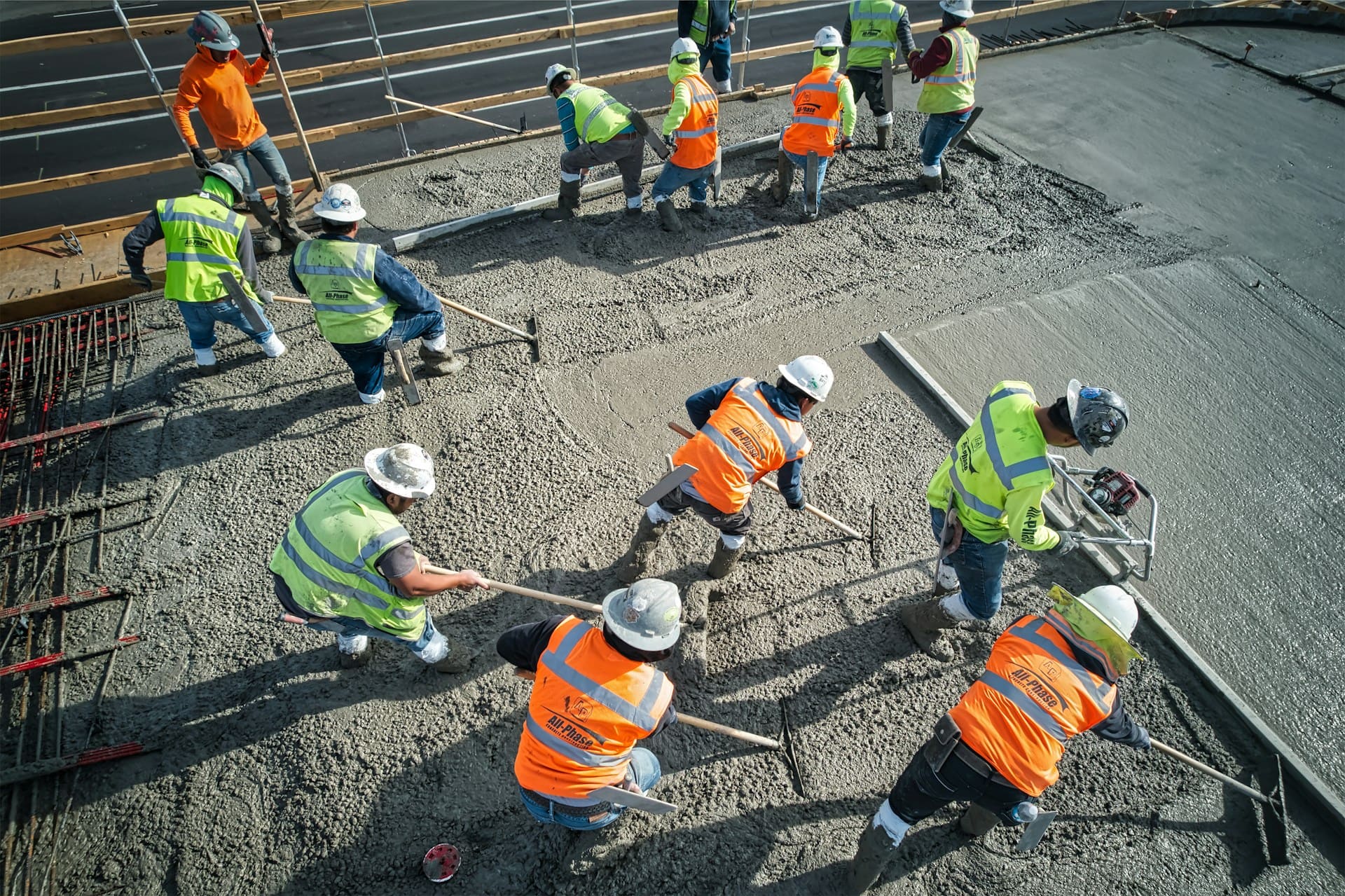
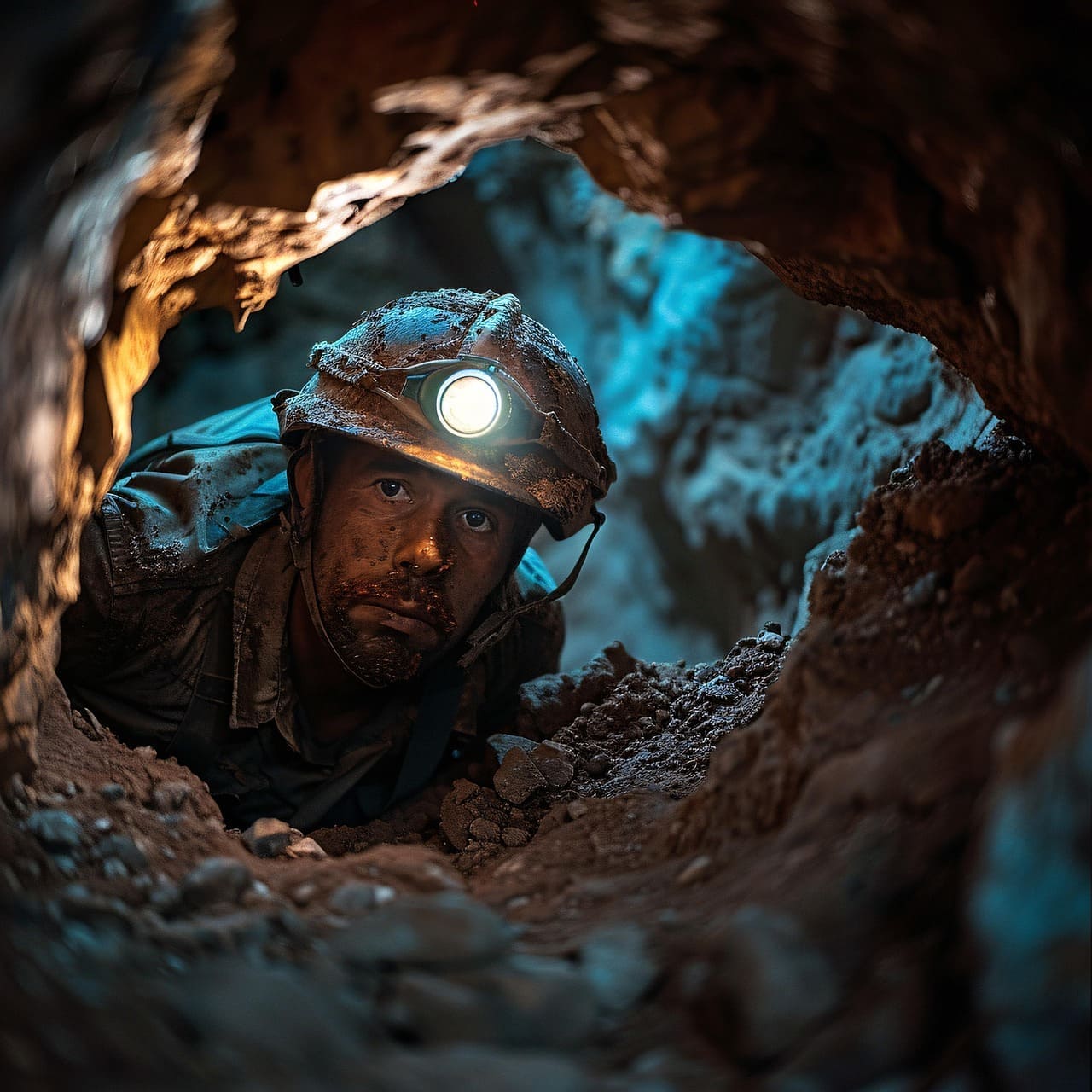
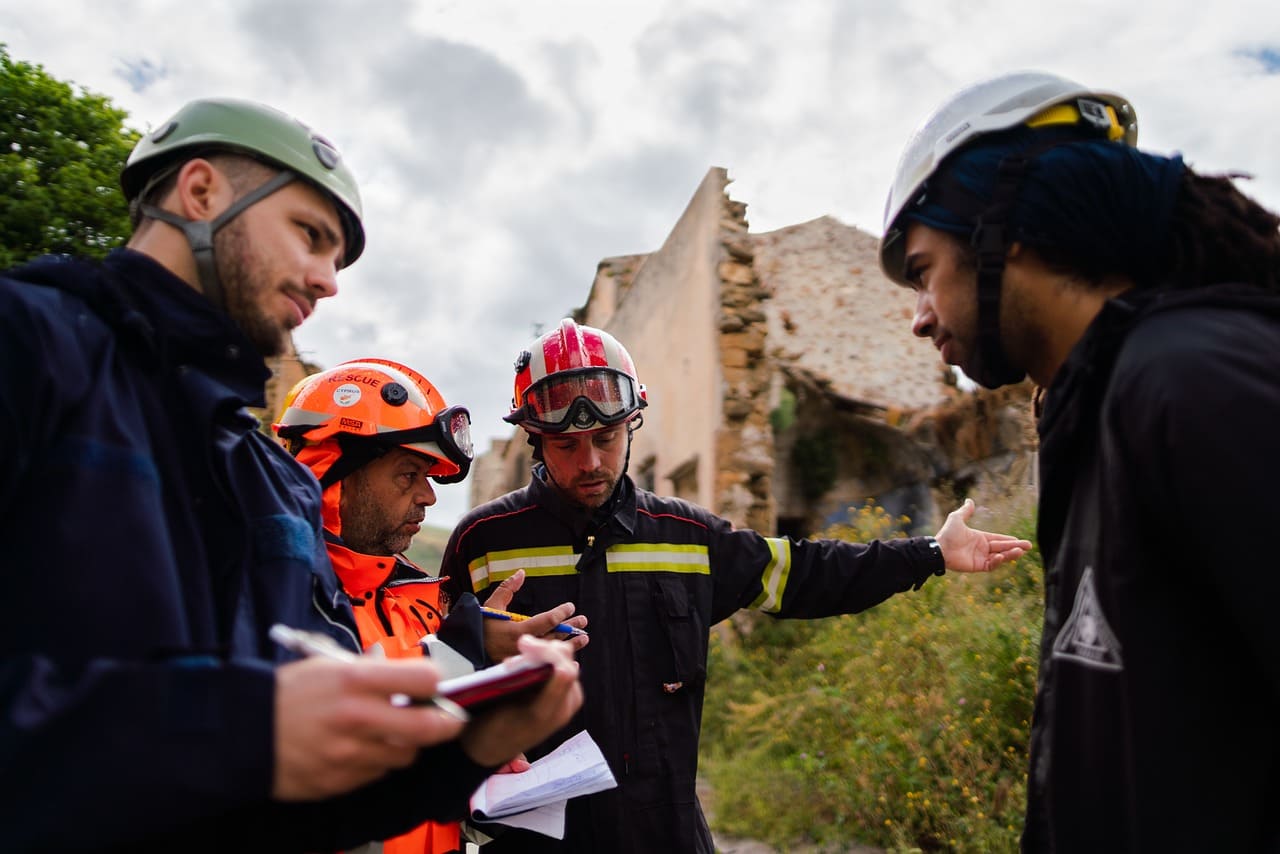
Desarrollamos soluciones integrales en Seguridad, Salud, Medio Ambiente y Responsabilidad Social para minería e infraestructura civil, combinando experiencia, innovación y tecnología para alcanzar resultados seguros, eficientes y sostenibles.
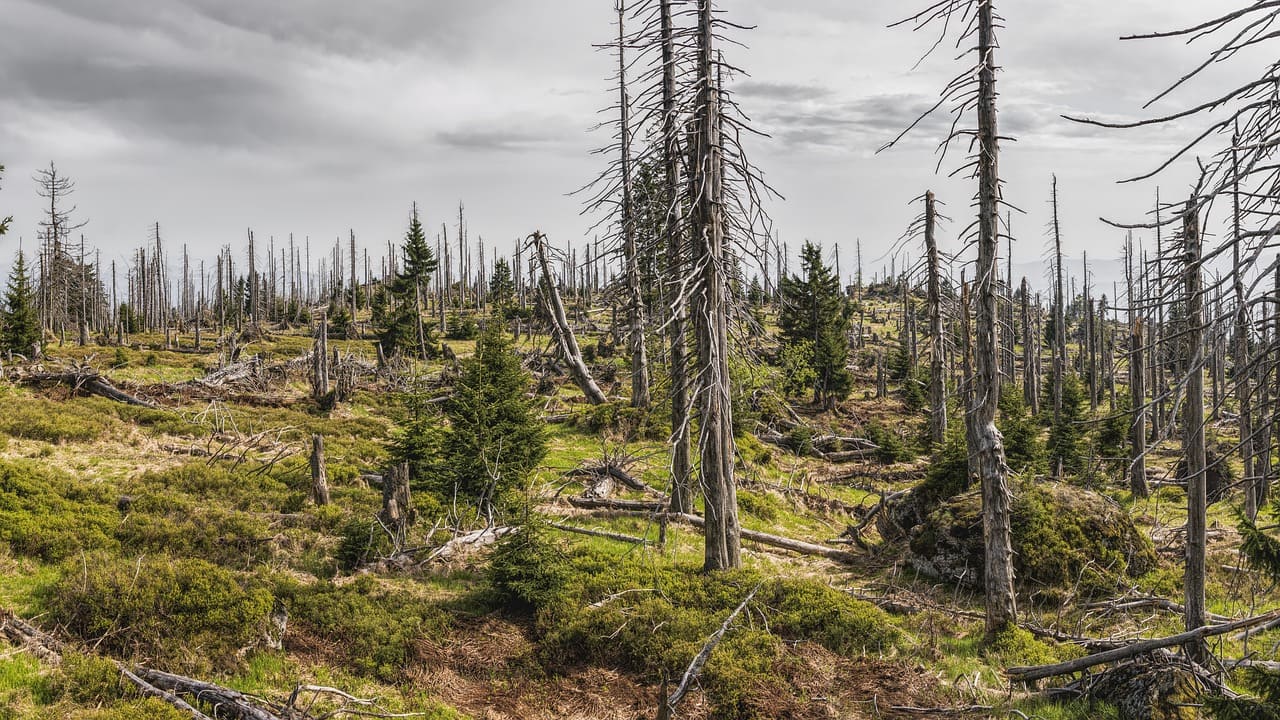
Desarrollamos estudios ambientales y sociales, monitoreos, gestión de permisos y evaluaciones para proyectos de los sectores minero, energético, industrial y transporte, promoviendo la protección ambiental y el desarrollo sostenible.